Orion | AI for industry
- R&D
In June 2025, as part of my first year in Polytech’s integrated preparatory program (PeiP 1), I did a blue-collar internship in the food-processing industry. During that immersion, a problem became obvious on the production site: communication between production and maintenance was hard. Classic digital interfaces (keyboards and mice) are useless in an emergency, because operators absolutely need to keep their hands clean and free.
That’s when I came up with Orion, a conversational AI agent. The goal is simple: let operators instantly report their needs to maintenance teams by voice. I built this project from September to December 2025, during my second year of PeiP.
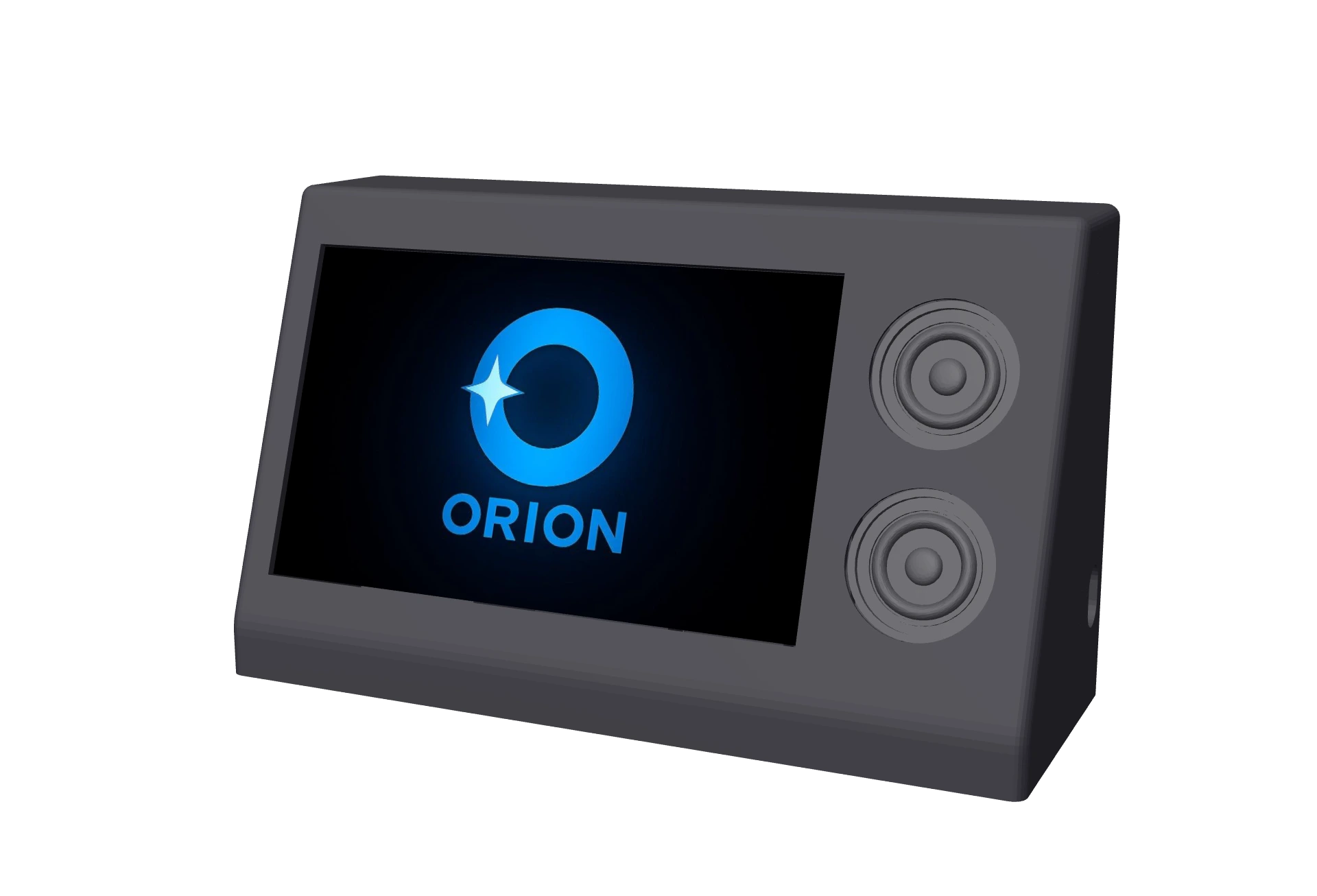
Spin the prototype and clicktap its components to see what they do.
A solution built for the shop floor
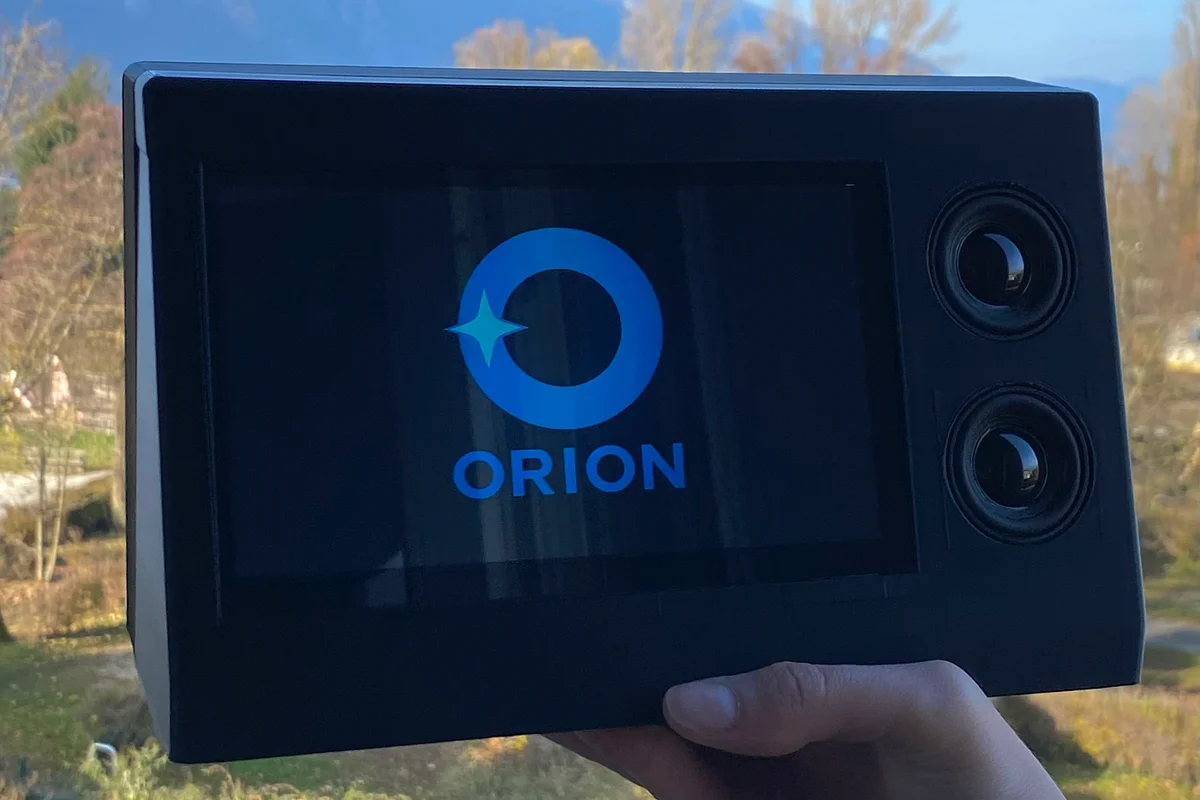
For Orion to really meet the constraints of the field, it has to fit into existing industrial processes. In industry, when an incident occurs, you need to alert maintenance, log the event and coordinate the teams to avoid delays. This information has to be available both on the production line and to maintenance teams, who are often moving around the site.
To meet this double need, Orion relies on two interfaces.
On the production side, Orion takes the form of a voice-operated terminal installed in the workshop. From the operator’s spoken request, Orion identifies the right people through the company directory, checks their calendars, schedules the intervention and automatically sends a summary email to the maintenance department for follow-up.
On the maintenance side, a mobile app lets technicians access the interventions scheduled by Orion in real time.
Orion’s brain
The hardware and software interfaces both run on the same system: Orion’s brain. It handles smooth voice conversation while managing the teams’ organization (emails and calendars) thanks to a multimodal agentic architecture. This architecture lets Orion analyze voice and context to understand a request and trigger the matching actions, with no human in the loop.
To make Orion work, I had to solve 4 key problems.
Guaranteeing instant communication between the user and Orion
To build Orion’s brain, I first worked on setting up instant communication between the user and the agent.
The infrastructure relies on the open source platform LiveKit, which handles low-latency audio streaming between the user and an Agent Worker, the process that runs Orion.
When a user joins a LiveKit room, their session is automatically assigned to an available worker. The worker handles the whole user session: receiving audio streams, interpreting the request and triggering the related actions.
This architecture makes it possible to process requests in parallel and keep latency low, even with several users at once.
Letting Orion reason
Once the connection is up, reasoning is handled by OpenAI’s Realtime Model. This choice let me minimize latency by analyzing the operator’s intent straight from the voice signal, without an intermediate speech-to-text step.
Letting Orion act
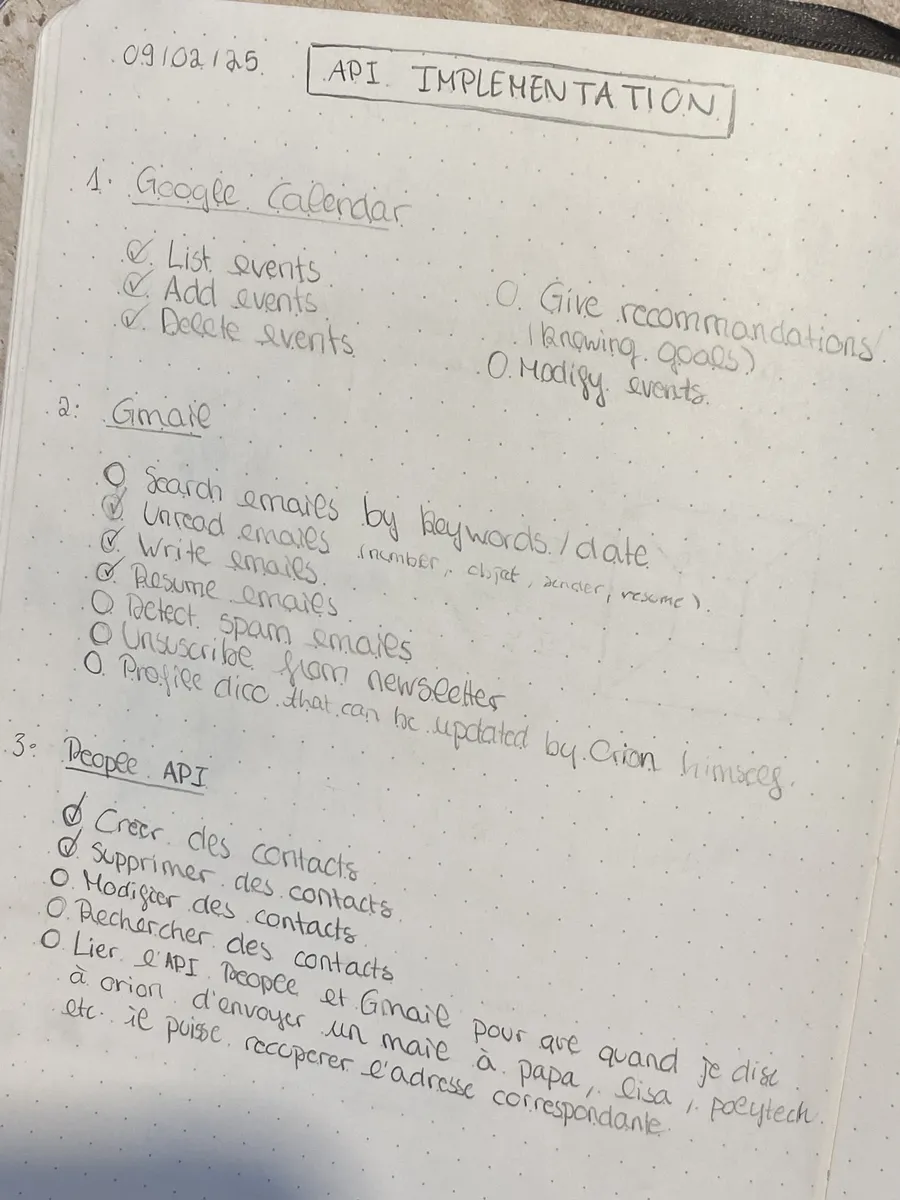
Understanding intent isn’t enough on its own: Orion also has to be able to act autonomously. So I set up a function calling mechanism with the LiveKit Agents software development kit (SDK), letting the agent drive task execution.
When the model identifies a need that requires an external action, it calls asynchronous functions. Unlike a regular function, which blocks execution while waiting for a response, an asynchronous function lets Orion kick off a task in the background (like sending an email) while carrying on the conversation with the user.
These functions talk to Google Cloud APIs. I used the Gmail API for communication between departments, and the Calendar API to add events, such as a maintenance intervention, straight into the relevant teams’ calendars. I also integrated the People API so Orion can identify the recipient from a first name, last name or even a description, without the user having to dictate the full email address.
Securing the exchanges
I secured the exchanges with the OAuth 2.0 protocol, an authorization framework based on short-lived access tokens. This approach lets Orion act on the user’s behalf with defined permissions, without ever handling their credentials directly.
Once Orion’s brain was built, I started prototyping the hardware version of the agent, then the software one.
Bringing Orion to life
Together with Vincent Peysselier, we built the physical version of Orion. To meet the efficiency constraints production operators face, we designed a minimalist, easy-to-use interface. For this prototype, we also went wireless, with demos in mind.
Going wireless
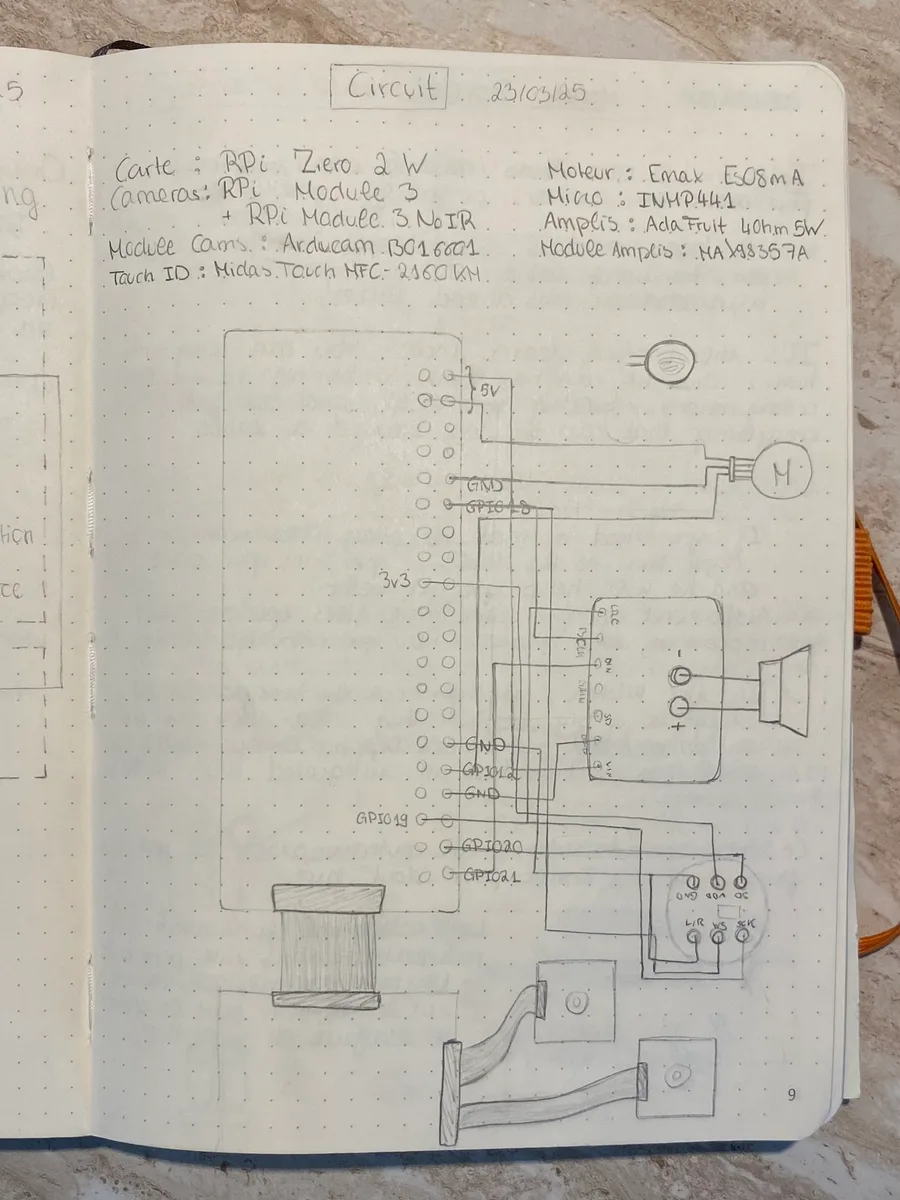
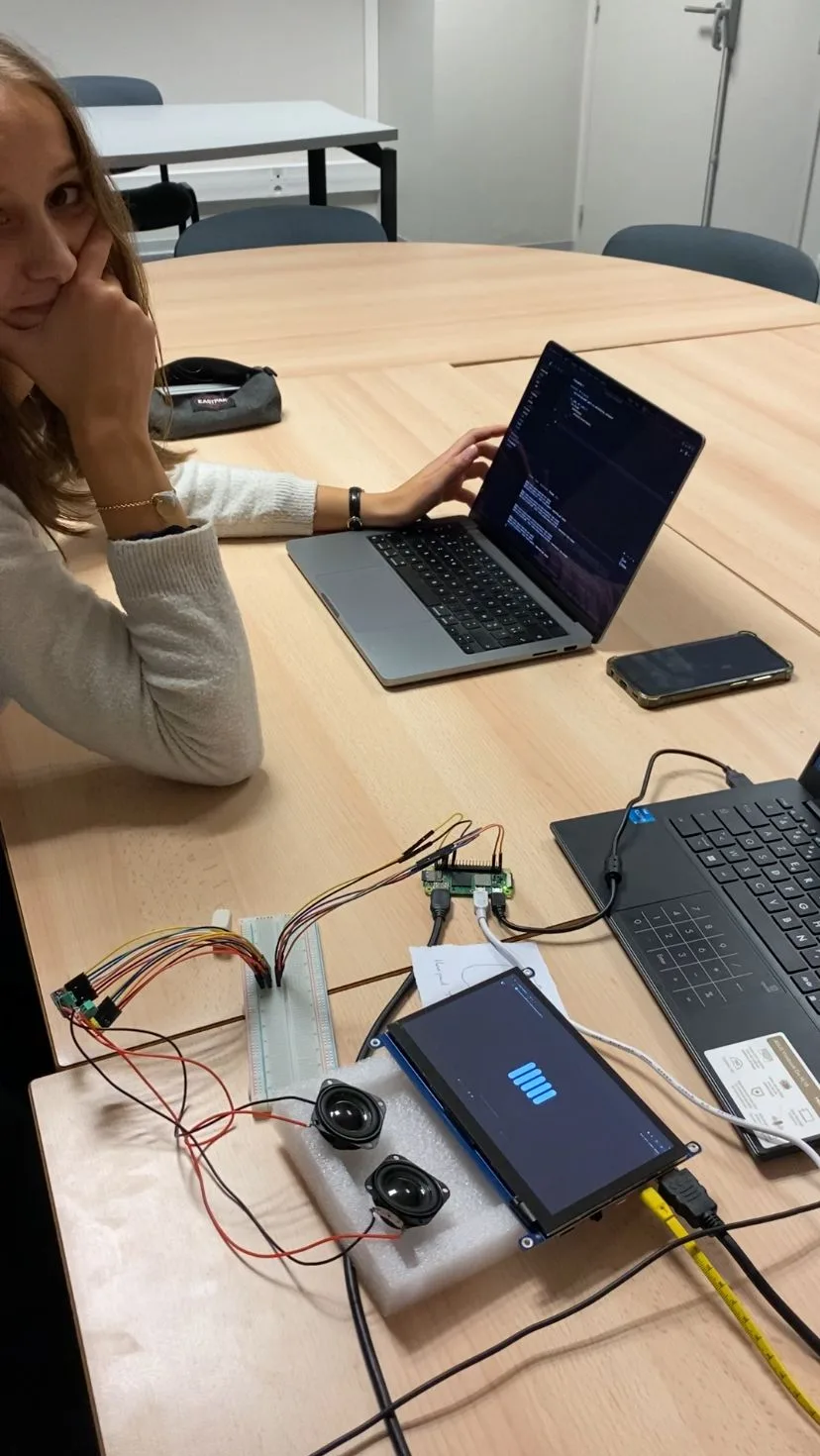
To build a wireless prototype, we decided to base Orion on a Raspberry Pi Zero 2 board, for its small footprint and built-in Wi-Fi and Bluetooth modules. It handles wireless communication natively.
To power Orion (board, screen, amplifiers), we went with a 10,000 mAh (50 Wh) battery, good for several hours of runtime.
An industrial version, however, would need the terminal to run on mains power with a wired network connection to keep communication stable.
Designing a minimalist interface
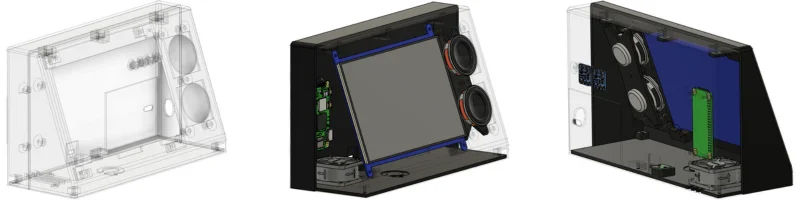
For the user interface, we chose a 7-inch screen so the operator can read information easily, plus a mono audio system driven by a MAX98357A amplifier over the I2S protocol, paired with Adafruit 4 Ohm 5 W speakers. We picked these speakers for their compact size and decent audio quality, with output reaching up to 95 dB. That’s still on the quiet side for a production workshop, but more than enough to validate this prototype.
3D modeling and printing
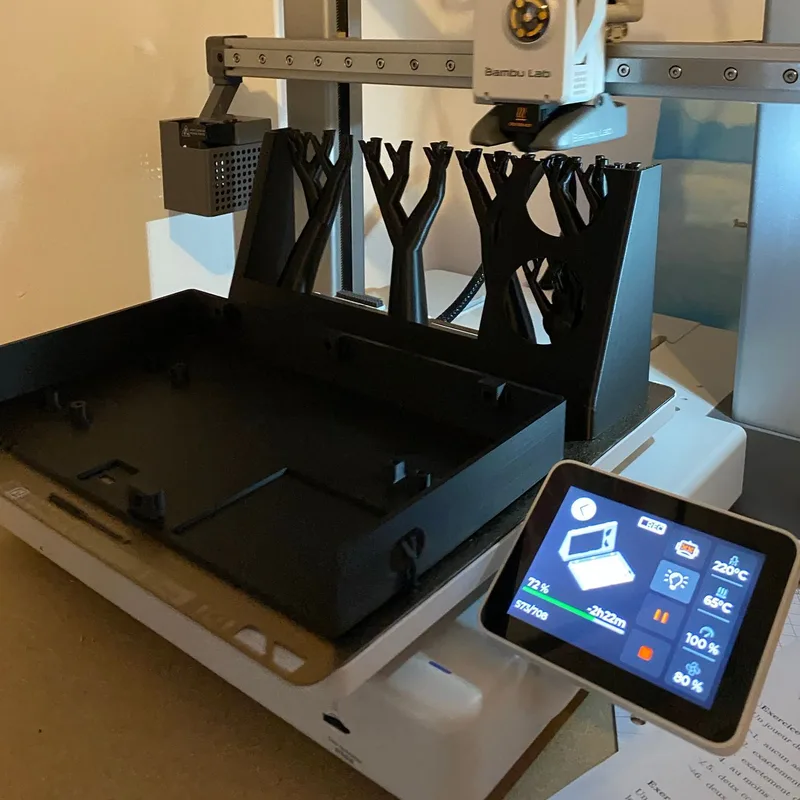
We modeled the prototype in Fusion 360 and 3D printed it in PLA on my BambuLab A1.
Orion’s software interface
On the software side, Tom Cohen, Anton Sylvestre and I built the client app with the Flutter framework. This choice let us deploy the same software consistently, both on the physical terminal in the workshop and on the maintenance teams’ phones.
The app lets staff reach Orion by voice, even while they’re moving around the production site.
Takeaways
By tackling a real industrial problem, this project helped me strengthen my skills in agentic architecture, programming and software design. It also let me put into practice the theory I learned in prep school, especially in electronics, along with the skills I’d built in modeling and 3D printing.
The result is a working prototype that could be taken further toward industrialization.
Thanks
A huge thank you to our supervisor, Pietro Maris Ferreira, for his help and valuable advice, and to Polytech Annecy-Chambéry for giving us the time and opportunity to carry out projects like this during our prep years. 🙏